Chapter Two · Authentication
Two modes, one setting.
The authentication settings give you granular control over how users in your organisation access Workdrive - either through a shared account or with individual credentials.
Authentication modes
01
Single Credential Mode - default
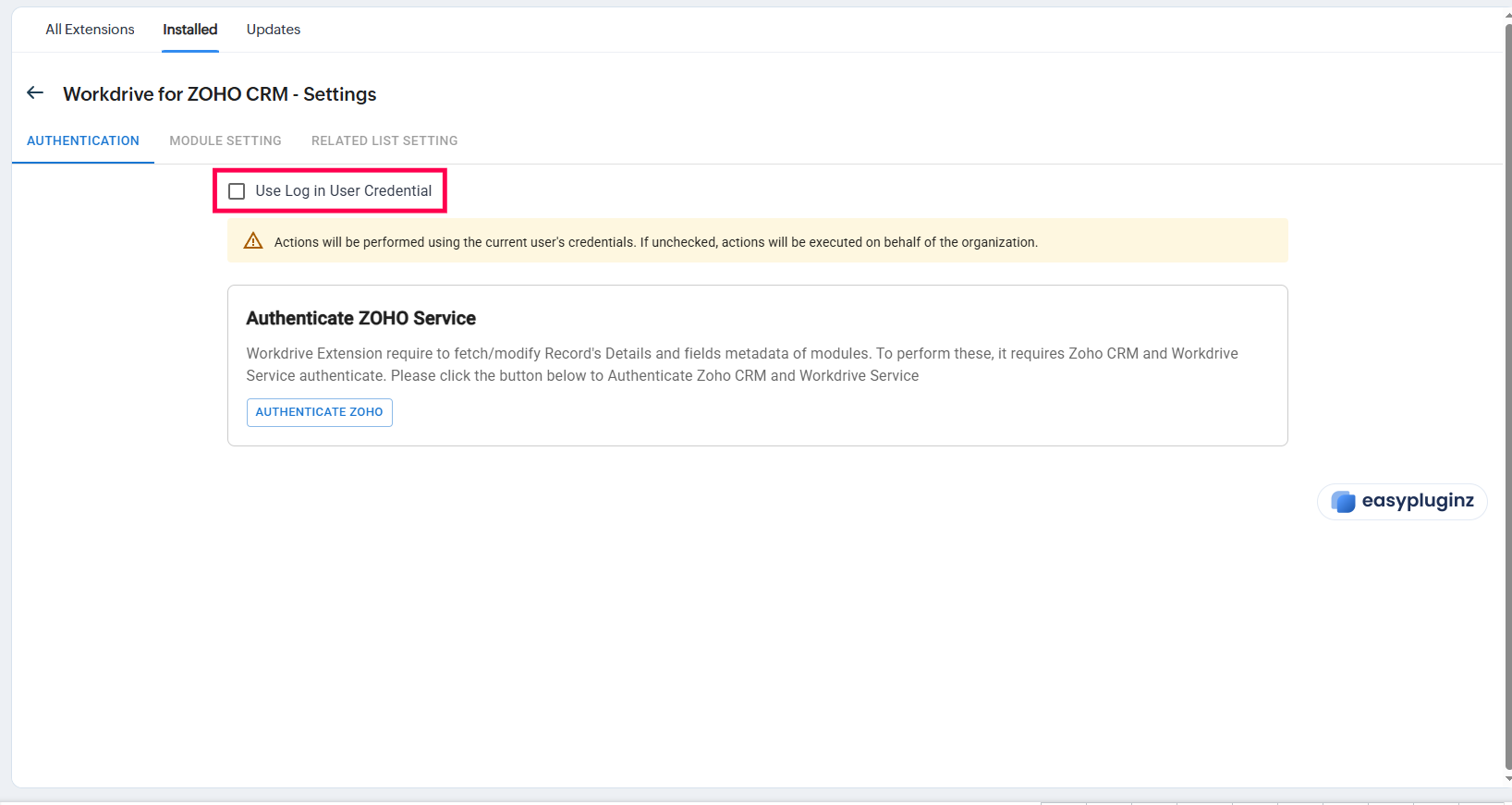
The Use Log in User Credential checkbox is not selected. All actions are attributed to the first authenticated user. This is the simplest setup and does not require per-user invites.
02
Individual Credential Mode
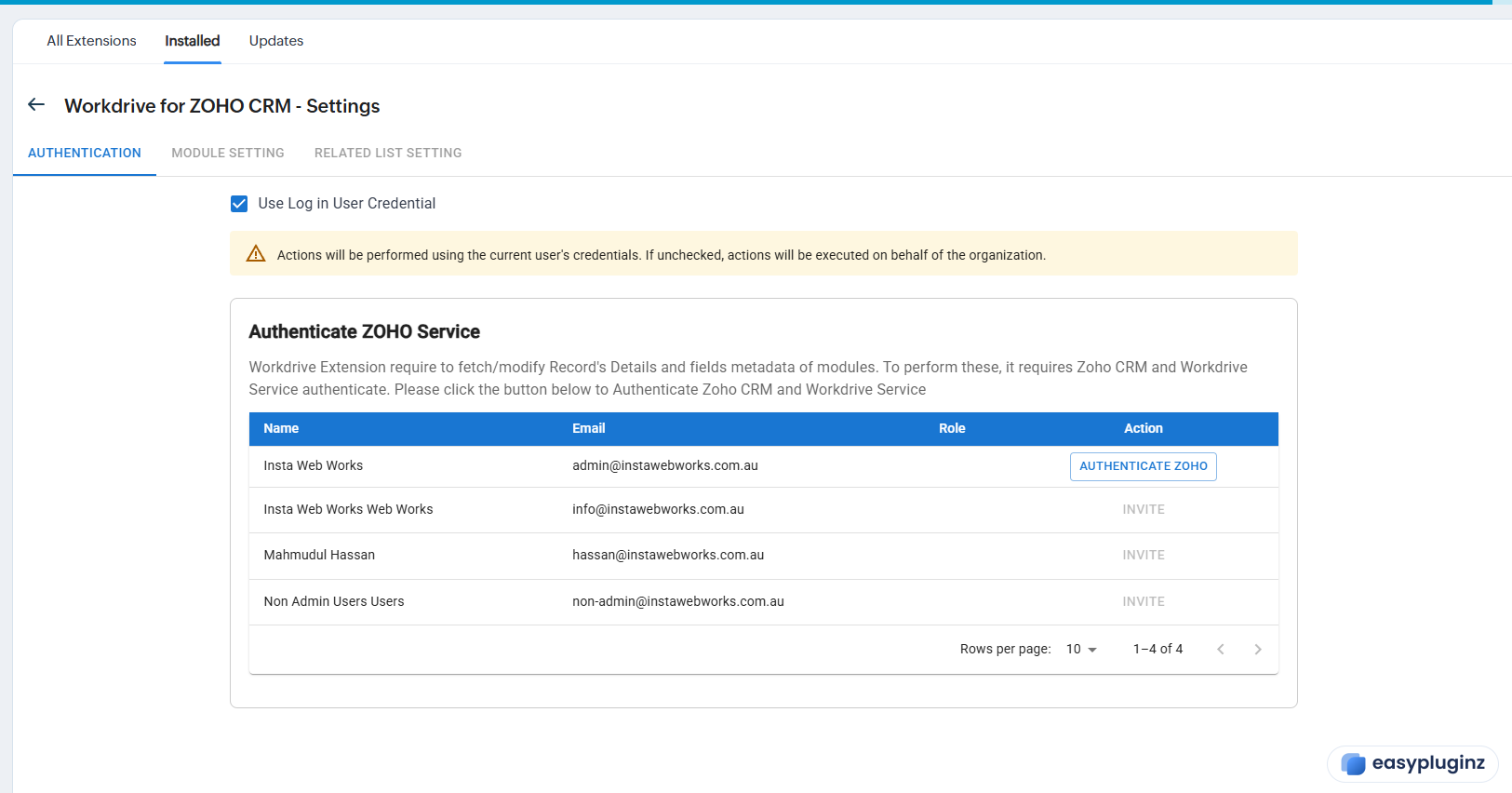
The checkbox is selected. Each user must be invited and authenticated individually. Actions are attributed to the user who performed them - uploads, edits, and folder creation are all tracked per user.
Before sending invitations you can assign each user a role - Admin, Organizer, Editor, Commenter, or Viewer - each with defined permission levels. Once authenticated, the system logs which user performed each action.
Authentication settings page
After the extension is installed, it automatically redirects to the settings authentication page.
If the Use Log in User Credential option is selected, a list of all users in the organisation is displayed. You must first authenticate yourself before you can send invitations to other users.